You are on a video call. Your boss asks a tough question. Right as you start to answer, a garbage truck roars past your window.

Your coworker hears nothing but static. Sound familiar?
This is the reality of modern work in 2026. Remote and hybrid work are totally normal now. As of 2026, about 27% of full-time employees work remotely and 52% work hybrid, according to Breeze.pm.
Since we rely so much on virtual meetings, even small audio problems can waste a lot of time. Workers consistently report higher productivity, with 77% saying they get more done at home (WorkTime). Still, bad audio is a big reason people get tired of meetings.
That is where tools like Krisp AI come in. Krisp AI is an AI app that removes background noise instantly. It helps you sound professional no matter where you take calls. It acts like a personal producer AI for your audio. It cuts down on meeting fatigue and helps everyone stay focused on the conversation, not the distractions.
In this guide, we will walk through everything you need to know about Krisp AI. We will cover its best features and how it compares to other tools. You will learn how your team can use it to communicate better.
The world of AI moves fast. Keeping up can feel like a full time job. That is why a daily briefing like The Deep View Newsletter is so helpful. It gives you clear AI news in just a few minutes each day. If you want to explore more resources, check out our list of the best virtual assistant websites professionals trust.
1. Why AI Communication Tools Matter in 2026
The way we work has changed for good. In 2026, most of us still spend our days on video calls and virtual meetings. As we mentioned earlier, about 27% of full-time employees work fully remote, and 52% work hybrid. That mix of home and office means clear communication is more important than ever.
But here’s the thing. Virtual meetings come with a hidden cost. Every time a dog barks, a truck rumbles, or a kid yells in the background, your brain has to work harder to focus.
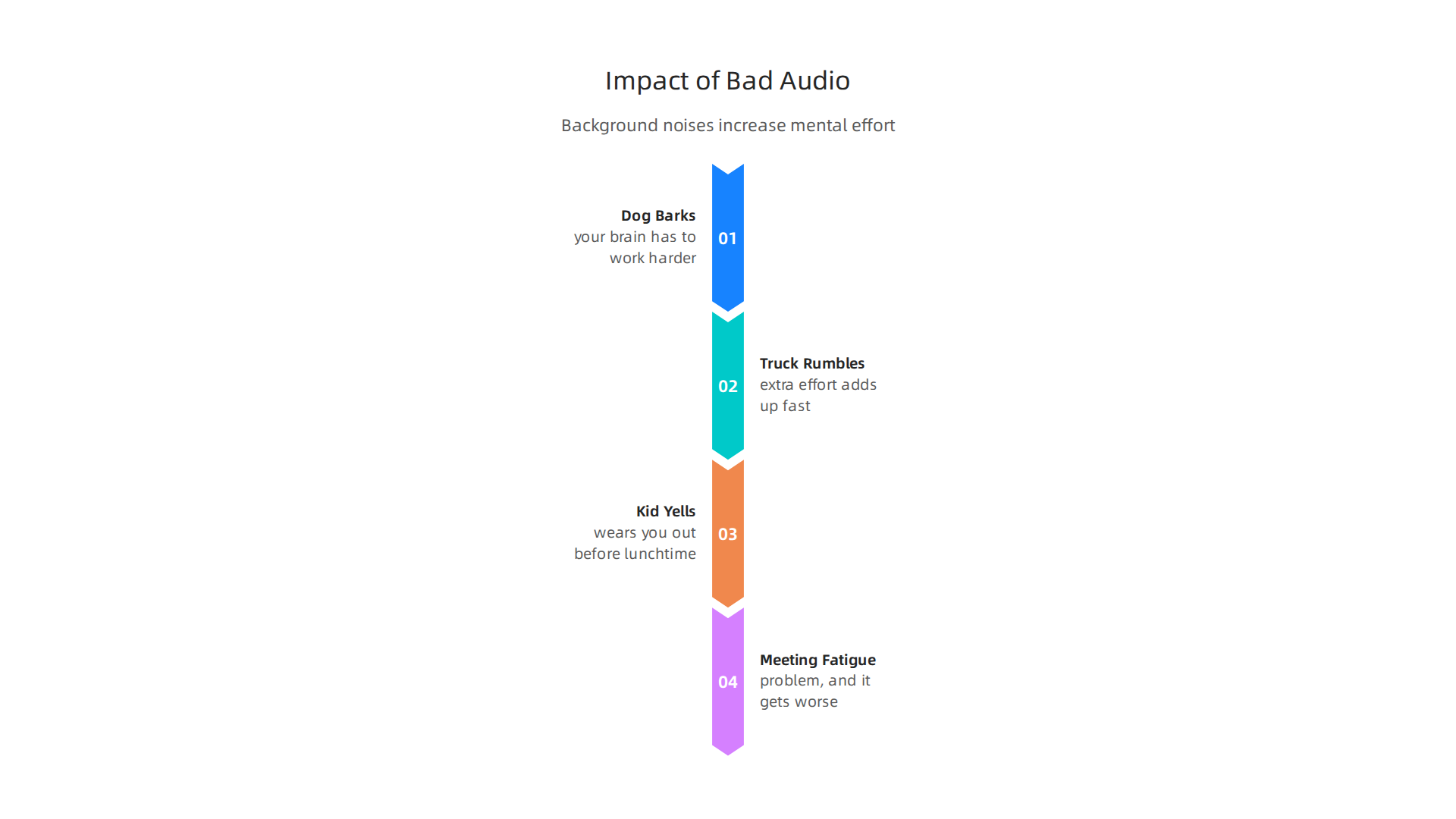
That extra effort adds up fast. It wears you out before lunchtime. This kind of meeting fatigue is a real problem, and it gets worse when you have many calls in a day.
That is why AI tools like Krisp AI are becoming essential. They act like a personal producer AI for your audio. Instead of your coworkers hearing that blender or siren, Krisp AI filters it out in real time. You sound like you’re in a quiet studio, even when you’re not.
And the numbers back this up. A big survey found that 77% of remote workers say they are more productive when working from home (Achievers). But that productivity only happens when you can actually hear each other clearly. Bad audio breaks focus. It makes you repeat yourself. It slows everything down.
When teams use AI noise cancellation, the mental strain drops. People stay in the conversation. They don’t zone out or get annoyed by background noise. This makes meetings shorter and more useful.
Good communication is the foundation of good collaboration. If you want to see how humans and AI can work better together, check out our article on human or AI creativity for more insights.
The world of AI tools moves quickly. To keep up with the latest breakthroughs, you need a reliable source. That’s why we recommend The Deep View Newsletter. It delivers clear, daily AI updates in just a few minutes. Give it a try and stay ahead of the curve.
2. Krisp AI Deep Dive: Features and Performance
We just covered why clean audio is a must in 2026. Now let us take a close look at the tool that solves the problem. Krisp AI is much more than a simple mute button. It is a smart audio engine that uses machine learning to clean up sound in real time.
How Krisp AI Works
Krisp uses a technology called voice separation. It separates human speech from background noise instantly. According to the company, it removes distracting sounds like dogs barking, sirens, or typing while keeping your voice crystal clear
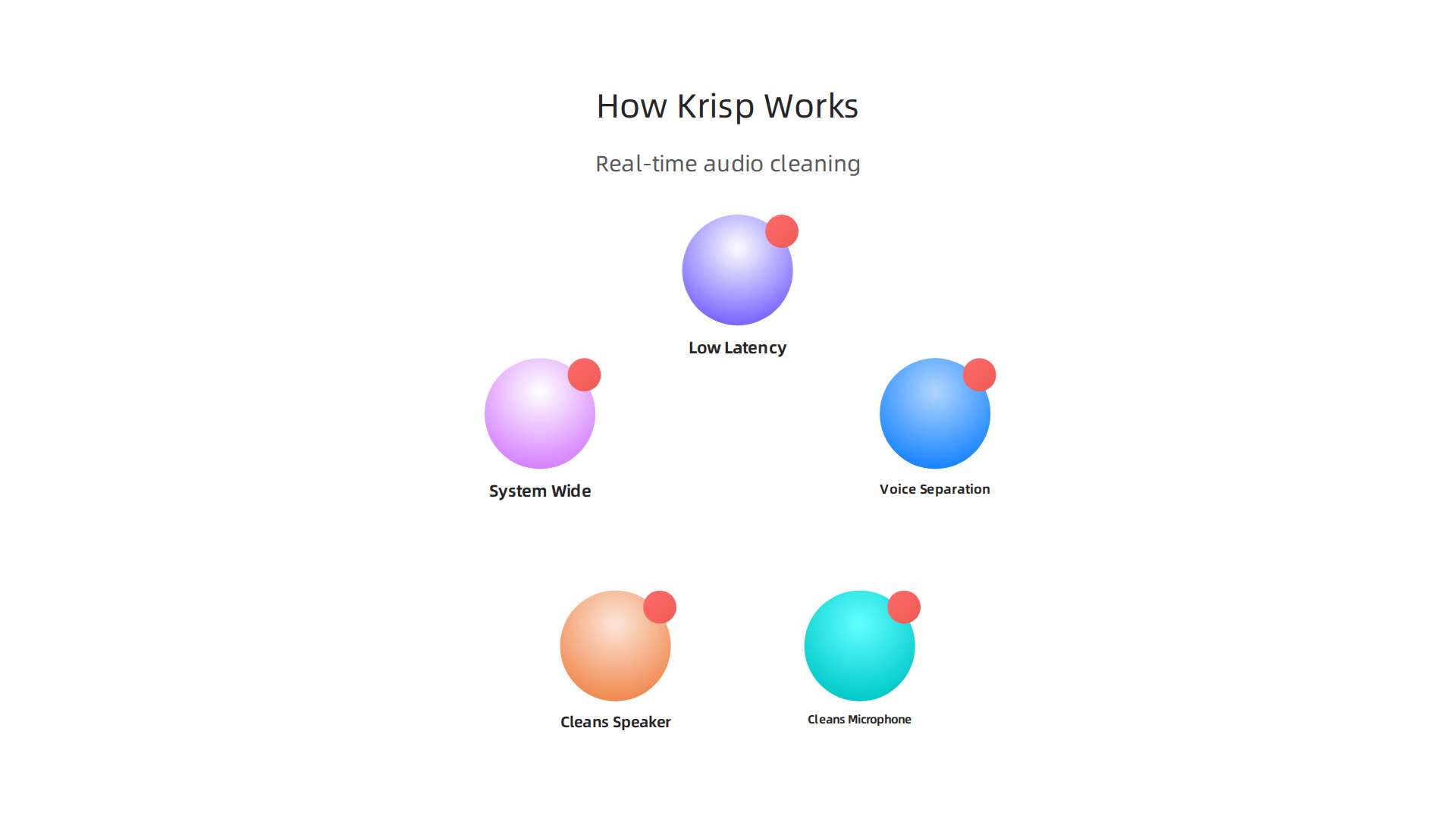
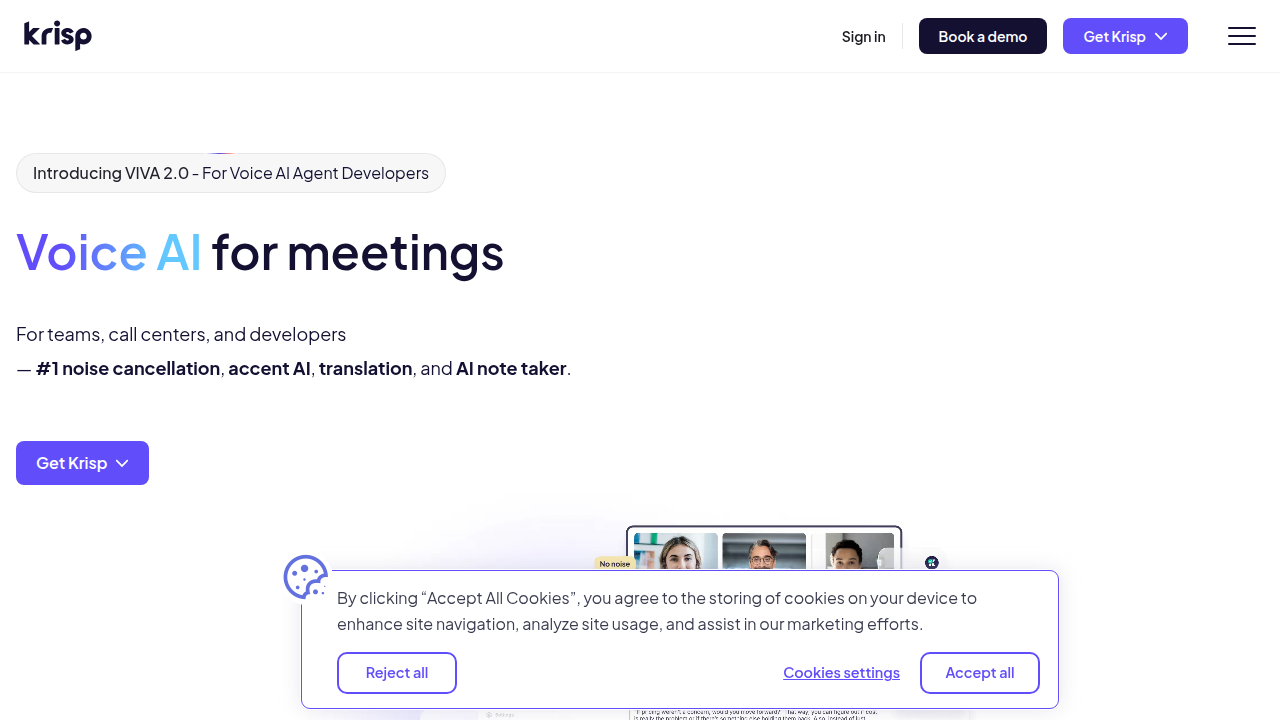
It works on both ends of the call. That means it cleans your microphone input. And it also cleans the audio coming out of your speaker. If your coworker is in a noisy coffee shop, Krisp can filter that noise out for you. This makes it a true producer AI for your whole computer.
Works Everywhere, All the Time
One of the best things about Krisp is that it works system wide. You do not need to set it up separately for each app. It works with Zoom, Teams, Slack, Google Meet, and any other app you use. You can even use it for game streaming or recording videos (TechNexus Article). It is one of the most practical ai apps available in 2026.
Professional Performance
Low latency is critical for live conversations. You do not want a delay. It makes the whole call feel awkward. Krisp processes audio with almost no lag. A YouTube interview with the CEO shows that their real time processing works with just 20 milliseconds of delay (CEO Interview). This high accuracy makes it perfect for professional use. Contact centers use Krisp to boost customer satisfaction scores by getting rid of noise complaints completely (Krisp Contact Center).
If you are curious about other tools that can upgrade your workflow, check out our guide on the best AI avatar tools for video content in 2026.
It is hard to keep track of the best virtual assistant websites and new tools coming out every week. Let us help you stay informed. Sign up for The Deep View Newsletter to get daily AI updates that are actually useful and easy to digest.
3. Top Use Cases for Krisp AI: From Meetings to Content Creation
So we know Krisp AI works well and processes audio in real time with almost no delay. But who actually needs it? The short answer is anyone who uses a microphone. But let us break down the three main groups that get the most out of this tool.
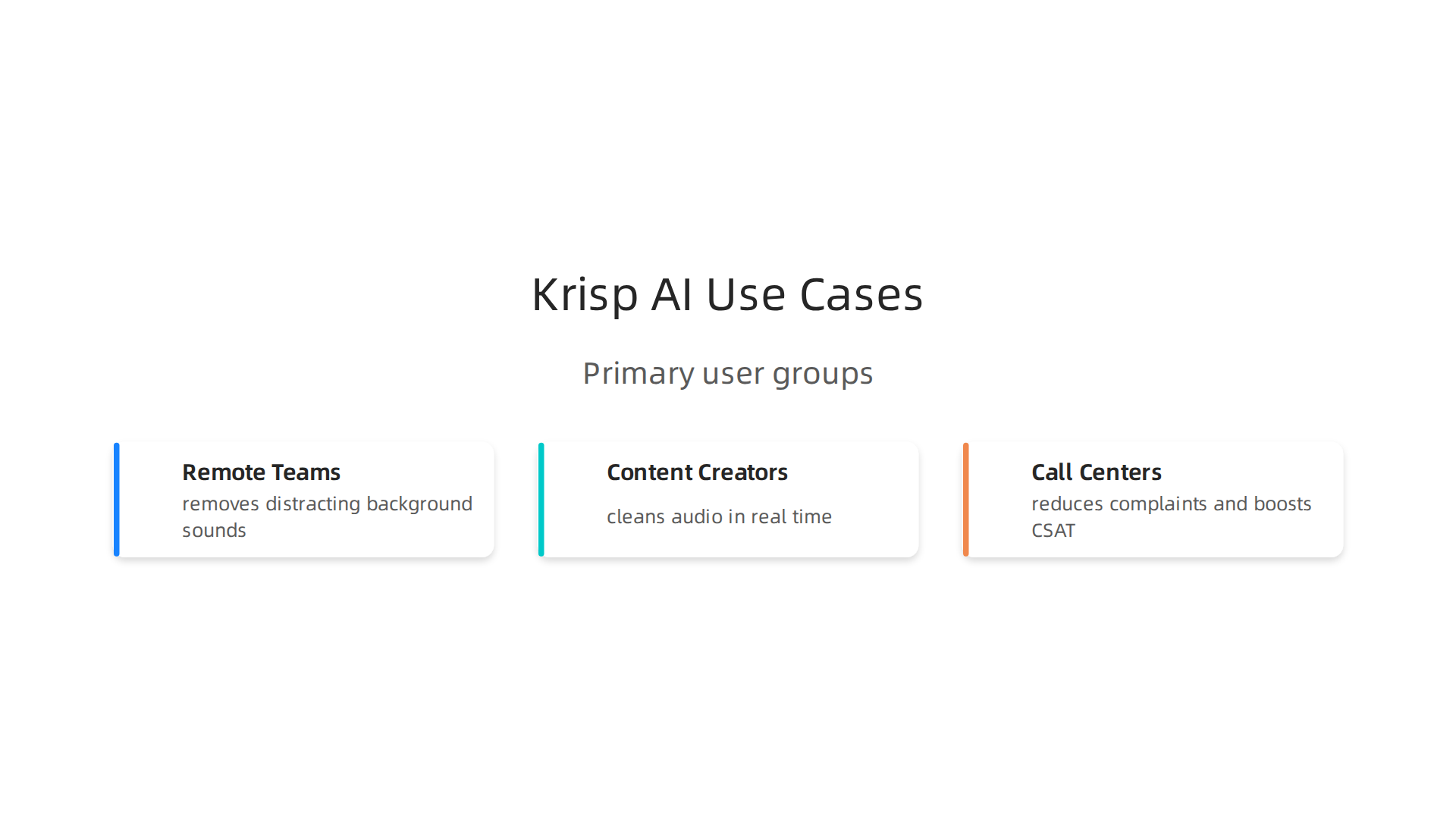
Remote teams and hybrid workers
If you work from a coffee shop, an open office, or a home with kids and pets, you know the struggle. One barking dog can ruin a big client call. Krisp solves this instantly. It removes distracting background sounds behind your voice while keeping your speech crystal clear (TechNexus Article). Your coworkers hear only you, no matter how noisy your space is. This makes Krisp one of the most practical ai apps for remote work in 2026.
Content creators and streamers
Recording a voiceover or going live is hard when you have fan noise, keyboard clicks, or street sounds bleeding into your audio.

Normally you would need to edit that out after recording, which takes forever. With Krisp, you clean your audio on the fly. No post-processing needed. Whether you are streaming a game or recording a podcast, you get professional sound quality right away (Krisp Noise Cancellation). It is a true producer AI for anyone who creates video or audio content.
Call centers and customer support teams
Contact centers handle hundreds of calls daily. Background noise is a huge problem for both customer satisfaction and agent focus. Krisp fixes that completely. One case study shows that teams using Krisp eliminated noise complaints and boosted their CSAT scores significantly (Krisp Contact Center). Agents stay focused, customers feel heard, and the whole experience improves.
There are so many new tools coming out every week that it is hard to keep track. Let us help you stay informed. Sign up for The Deep View Newsletter to get daily AI updates that are actually useful and easy to digest.
4. Krisp AI for Content Creators: Streaming and Recording
Picture this. You are live on Twitch, mid-boss fight. Your keyboard is clacking, your PC fans are roaring, and your roommate just started a blender in the next room. Viewers start typing "fix your audio" in chat. It is a nightmare.
Here is the thing. With Krisp AI, that nightmare disappears. The software uses machine learning to remove background noise in real time, so only your voice goes through to your audience. It does not matter if you have a jet engine running behind you. Krisp keeps your audio clean (Wikipedia). This makes it a must-have producer AI for any streamer.
And it is not just for live streaming. Krisp works with OBS, Discord, and nearly every video editing tool out there. You can record a clean voiceover for your next YouTube video without waiting for your toddler to stop crying or your neighbor to finish mowing. The noise cancellation happens instantly, so you do not waste hours cleaning up audio tracks in post-production.
Podcasters love this too. Normally you spend half your editing time removing mouth clicks, chair squeaks, or background hum. Krisp handles that on the recording side. Your raw audio is already polished. That means faster turnaround and more time for actual content.
If you are looking for more AI tools to streamline your workflow, check out our list of the 10 top AI websites professionals trust for real news and tools.
New creator tools pop up every week. It is hard to keep up. That is why thousands of creators rely on The Deep View Newsletter to get daily AI updates that actually help you work smarter. No fluff. Just what you need.
5. Krisp AI vs Competitors: Key Differences
So you know Krisp AI works great for live streaming and recording. But how does it stack up against other popular options? Let me break it down simply.
First up is NVIDIA Broadcast. It offers similar real-time noise removal, and it does a solid job. But here is the catch. It only works on NVIDIA GPUs. If you have an AMD or Intel graphics card, you are out of luck (SourceForge). Krisp runs on any computer, no special hardware required. That makes it a much more flexible choice.
Next is Cleanvoice. This tool is excellent for podcasters who want to clean up audio after recording. It removes filler words, silence, and background noise in post-production (Cleanvoice blog).
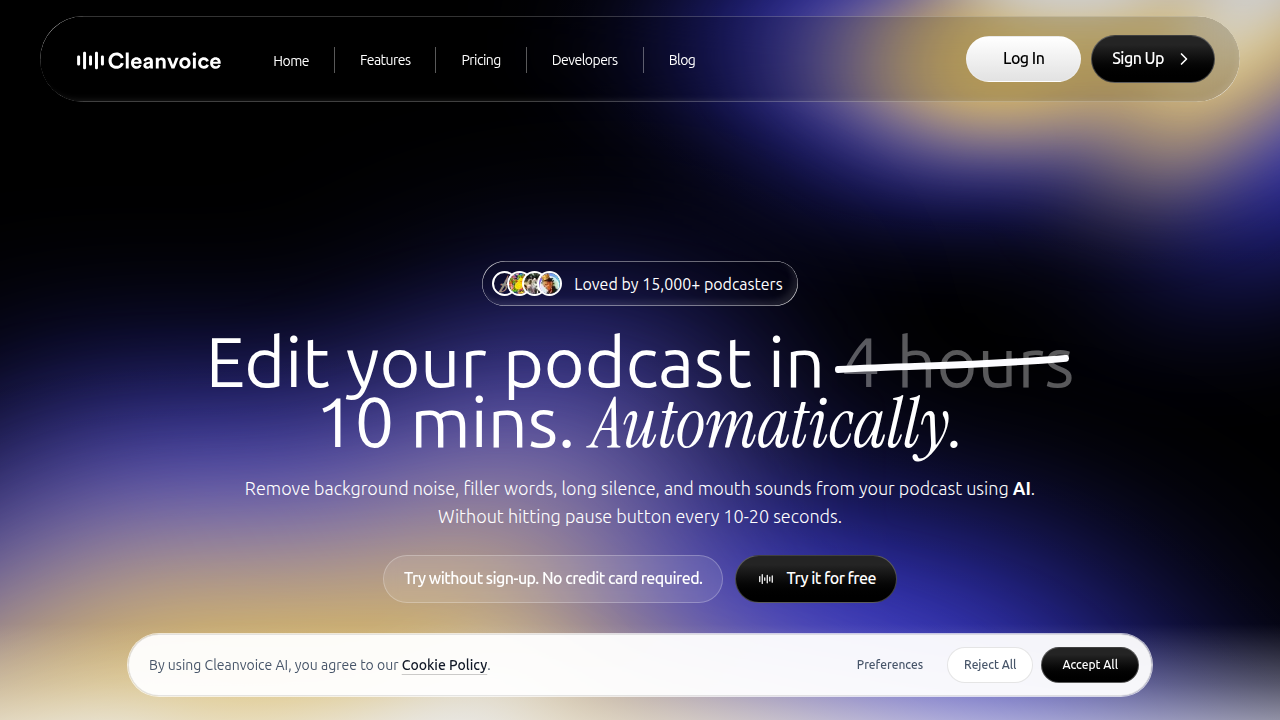
But it is not real time. If you need clean audio during a live stream or meeting, Krisp wins hands down.
Then there is Descript. Descript is a full AI editing suite. It includes noise reduction, but also transcription, screen recording, and video editing. The trade off? It requires a subscription and can be overkill if you only need noise cancellation (scmGalaxy). Krisp is a simpler, one-trick pony that does its job perfectly for live use.
The bottom line. If you want a lightweight, real-time noise canceller that works on any setup, Krisp is your best bet. It is the true producer AI for creators who hate background noise.
For more comparisons and tips on using the best virtual assistant websites and ai apps, check out our list of 10 top AI websites professionals trust for real news and tools.
New ai apps launch every week. It is hard to keep track. Stay ahead with The Deep View Newsletter for daily AI updates that actually help you work smarter.
6. Integrations: How Krisp AI Fits Into Your Tech Stack
You already know Krisp AI beats many competitors on flexibility and ease of use. But the best part? It fits into your workflow without breaking a sweat. Here is how.
System-wide audio processing. Krisp works at the driver level. That means it cleans noise from any app that uses your microphone or speakers. You do not need special settings for each program. Whether you are using Discord, a browser call, or a recording app, Krisp works automatically. According to Guideflow’s 2026 list of noise cancellation tools, Krisp is built for professional teams and runs smoothly across different platforms.
Native app integrations. Krisp has direct support for popular communication tools. It works natively with Zoom, Microsoft Teams, Google Meet, and Slack. You get one click toggle inside these apps. No extra configuration needed. This makes it a real producer AI for anyone who jumps between meetings.
API for custom setups. Need something more custom? Krisp offers an API for enterprise environments. Developers can embed noise cancellation into custom apps, internal tools, or branded products. This is a big plus for companies that want white label or deep integration.
Works on any device. Unlike some competitors that require specific hardware, Krisp runs on any laptop or desktop. No GPU needed. This makes it a perfect addition to your remote work toolkit.
The result? Krisp becomes a quiet helper that improves everything you do with audio.
Want to build a smarter AI-powered workflow? Check out our guide on how to choose and use an AI-powered research assistant in 2026 for more integration ideas.
New AI tools like Krisp launch often. Stay ahead without the noise. Subscribe to The Deep View Newsletter for clear daily updates that help you work smarter.
7. Pricing and Plans: Is Krisp AI Worth the Investment?
You already know how smoothly Krisp AI fits into your day. But now comes the real question. Does it fit your budget?
Start with the free tier. Krisp offers a free plan. It gives you a limited number of noise cancelling minutes each day. This is a great way to test the waters. Try it on a few calls. Hear the difference yourself. According to a 2026 review on Dupple, the free tier is generous enough to help you decide if you need more.
When you are ready to upgrade. The paid plans are where Krisp AI becomes a true powerhouse.
- Core Plan: Starts around $8 per month. You get unlimited noise cancellation and the AI meeting assistant. This is perfect for freelancers and individual users.
- Pro Plan: Priced around $16 per month. It adds more features for growing professionals.
- Business Plan: Priced around $30 per user per month. You get team management, admin controls, and priority support. Check the official Krisp pricing page for the latest details.

The ROI makes it easy to decide. Think about your current setup. How many times have you said "Sorry, can you repeat that?" How many hours have you spent writing notes after a long meeting? Krisp AI solves both problems. It reduces meeting fatigue. It captures every detail with its AI note taker.
One review on Capterra notes that the time saved is worth the cost of the subscription alone. You no longer need expensive microphones or soundproof rooms. Krisp AI handles the noise for you.
The simple verdict. If you take calls or join meetings, even the $8 Core plan will likely pay for itself in the first week. It is one of those ai apps that earns its keep. Think of krisp ai as a producer ai tool that works quietly in the background
Want to discover more tools that give you this kind of value? Check out our guide to the best AI avatar tools for video content in 2026 for another way AI can save you time and money.
8. User Reviews and Real-World Performance
Pricing is one thing. But do users actually love using Krisp AI? Let’s look at what real people say on G2, Capterra, and the app stores. The short answer is yes, most are very happy.
The biggest praise is how easy it is. You download the app, turn it on, and background noise disappears.

One user on Capterra mentions it saved them hours of meeting notes alone. That kind of real-world time savings makes Krisp a top choice among best virtual assistant websites and apps for professionals.
Another common compliment is the noise removal quality. Dogs barking, kids playing, street noise. Krisp AI handles it well. Users say calls feel crystal clear even in noisy environments.
But no tool is perfect. Some users report occasional bugs, like the app not activating right away. Others wish the free tier gave more minutes for testing. Still, the overall satisfaction ratings are high on most review platforms.
Here is the honest take. Krisp AI works well for most people. The free plan gives you a risk-free way to test performance yourself. If you find the bugs annoying, you can always switch plans or try alternatives.
The key is to match the tool to your needs. You can learn more about evaluating AI solutions in our guide to how to choose and use an AI-powered research assistant in 2026.
To keep up with honest user reviews and the latest AI tools, subscribe to the The Deep View Newsletter. It delivers clear daily updates straight to your inbox.
9. The Future of AI in Communication: What’s Next After Krisp AI?
Have you ever wished your calls could translate themselves on the fly? Or that your meeting app could tell you if the room feels tense? That future is already taking shape in 2026.
Krisp AI does a fantastic job with noise cancellation. But communication AI is growing fast. According to a 2026 report on effective communication trends, generative AI is already helping teams speak and write more clearly. The next step is for AI to understand the meaning behind our words.
Here is what is coming next.
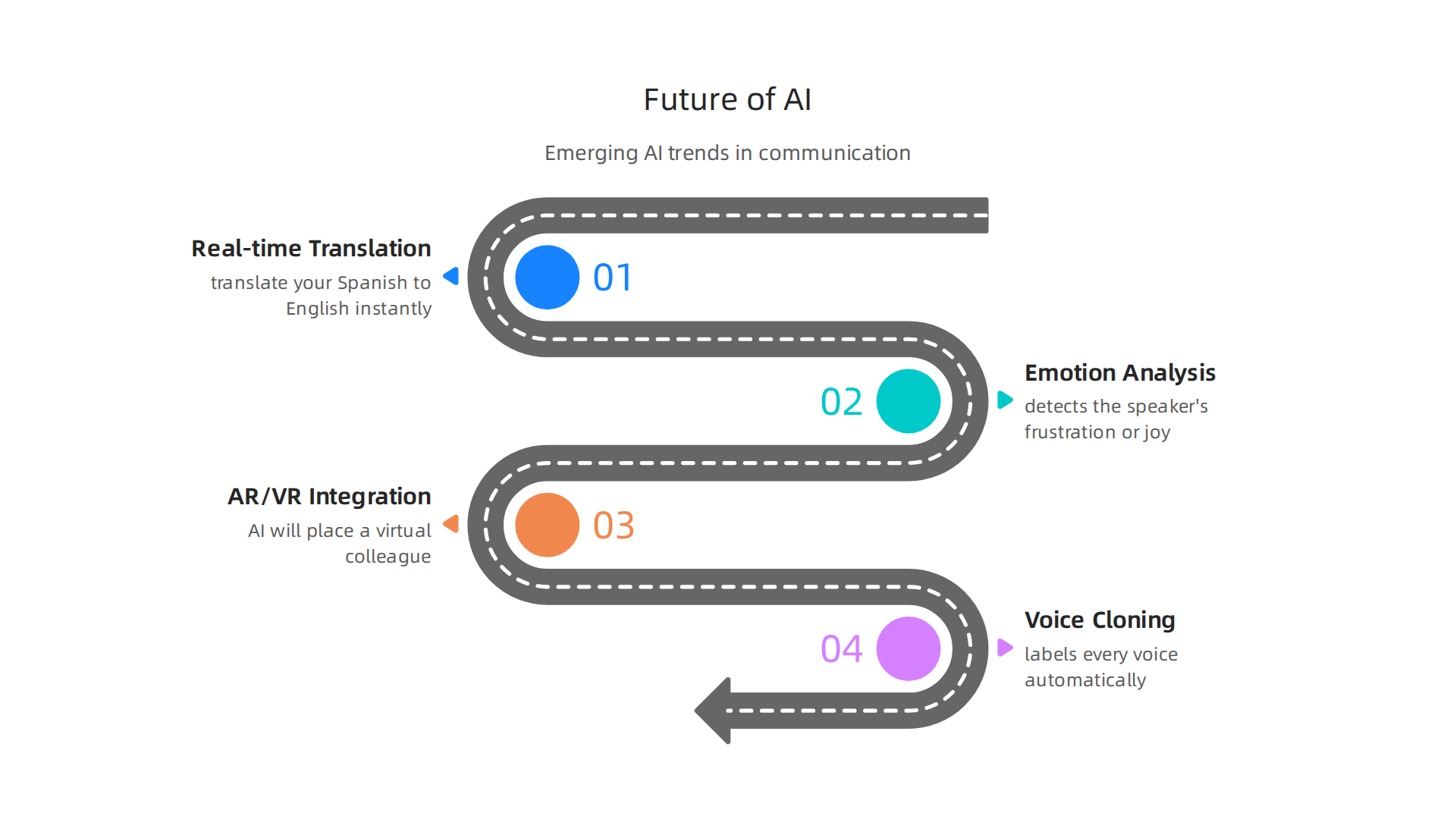
Real-time translation and emotion analysis. Imagine joining a global team call. Krisp AI mutes the dog barking. Then a future AI tool translates your Spanish to English instantly and even detects the speaker’s frustration or joy. This is not science fiction. In 2026, AI tools are taking on more responsibilities in conversations. They will soon analyze tone, pace, and word choice to give you real-time feedback.
Integration with AR and VR headsets. Meetings will not stay flat on a screen forever. When you put on a headset, AI will place a virtual colleague right in your room. Their voice will sound like it comes from the correct spot. Their facial expressions will sync perfectly. Tools like Krisp AI will provide the clean audio layer inside these immersive spaces.
Voice cloning and speaker identification. Krisp AI is already working on identifying who is speaking in a crowded room. Imagine a meeting app that labels every voice automatically, even during a group discussion. Voice cloning could let you sound like yourself even with a bad connection, or let a program read a script in your voice. This opens huge possibilities for ai apps in content creation and accessibility.
These changes will make communication smoother, smarter, and more human. To stay on top of these breakthroughs, you need a reliable source. Get clear daily updates on AI tools from the The Deep View Newsletter. It will help you spot the next big thing before everyone else does.
Summary
This article is a practical guide to Krisp AI, the real-time noise‑cancellation tool that acts like a personal producer for your audio. It explains why clean audio matters for remote and hybrid teams, how Krisp’s voice‑separation ML works, and the low‑latency performance that makes it suitable for meetings, streaming, and contact centers. The guide also covers system‑wide integrations, API options for enterprises, real user feedback, and a clear comparison with alternatives like NVIDIA Broadcast, Cleanvoice, and Descript. You’ll learn who benefits most from Krisp, how to set it up across apps, what plans cost, and how to judge ROI for your team. The piece closes by looking at future trends in communication AI and how tools like Krisp fit into evolving workflows.