
Why ‘Tech for Less’ Matters for AI Operations in 2026
Here’s a reality check. If you run a business today, you already know AI spending is exploding. Global AI spending hit $2.5 trillion in 2026, yet a staggering 95% of enterprise AI initiatives produce zero measurable return. That statistic comes from the latest AI Cost Statistics 2026: Forecasting, ROI, and Budget Risk report, and it should make any smart operator stop and think.
On the flip side, companies that get AI right see real savings. According to recent AI Cost Savings Statistics 2026, 56% of AI-using businesses in software engineering and manufacturing report cost decreases. And across all industries, 87% of organizations using AI say it helped reduce annual costs. The difference between success and failure often comes down to one thing: picking the right tools for the right price.
That’s where "tech for less" becomes your secret weapon. You don’t need the most expensive enterprise AI suite to get results. Actually, the market is flooded with pricey solutions that promise the world but drain your budget fast. Meanwhile, open-source tools, freemium platforms, and strategic hardware choices like cheap desktop computers, used ThinkPad laptops, and Apple certified refurbished MacBooks can deliver serious AI performance without the sticker shock.
Think of it this way. Would you rather spend your whole budget on one fancy AI platform or spread it across a smart mix of tools that do exactly what you need?

The second approach wins every time.
In this article, we’ll walk through a curated list of cost-effective technologies that keep performance high while slashing your operational expenses. Whether you are looking for gaming PC deals that double as AI workstations or free software that competes with paid alternatives, you’ll find practical options here.
Staying on top of the best new tools and pricing changes is a full-time job itself. That’s why we recommend getting clear daily updates straight to your inbox. Subscribe to The AI Newsletter Worth Reading and never miss a money-saving tip.
Before we dive into the list, let’s talk about how to think about AI costs differently. The goal is not just to spend less, but to spend smarter. And that starts with knowing where your money actually goes.
1. Open-Source LLMs: Cutting Costs Without Cutting Corners
So where does your money actually go? For many businesses, the biggest drain is paying per token for commercial AI APIs. Those costs add up fast, especially at scale.
Open-source large language models (LLMs) offer a way out. Models like Llama 4, Mistral, and Qwen now rival proprietary options on many tasks. The gap between open-source and commercial models has shrunk to just a few months, according to a detailed guide on open-source vs commercial LLMs in 2026.
The real savings come from self-hosting. When you run a model on your own hardware, you pay a fixed cost for compute, not a per-token fee. That makes your expenses predictable. At scale, self-hosting is significantly cheaper. For example, processing 50 million tokens per day through a commercial API could cost around $18,750 per month. Self-hosting a quantized Llama 4 model on two reserved H100 instances plus a half-time DevOps engineer would cost about $10,200 to $12,200 per month. That’s a savings of 35 to 45 percent.
But you don’t need expensive data center hardware to start. You can run many open-source models on a single consumer GPU. That’s where gaming PC deals come into play. A mid-range gaming PC with an RTX 4090 can handle models like Qwen 3.6-35B for around $200 per month in electricity. That’s a tiny fraction of API costs for the same volume.
The breakeven point for self-hosting typically hits at around 50,000 to 100,000 API calls per month, as noted in the best open-source LLMs April 2026 comparison. Below that, APIs are simpler. Above that, self-hosting starts saving you 40 to 70 percent depending on the model and hardware.
Another big advantage is freedom. Open-source models have permissive licenses like Apache 2.0 or MIT.
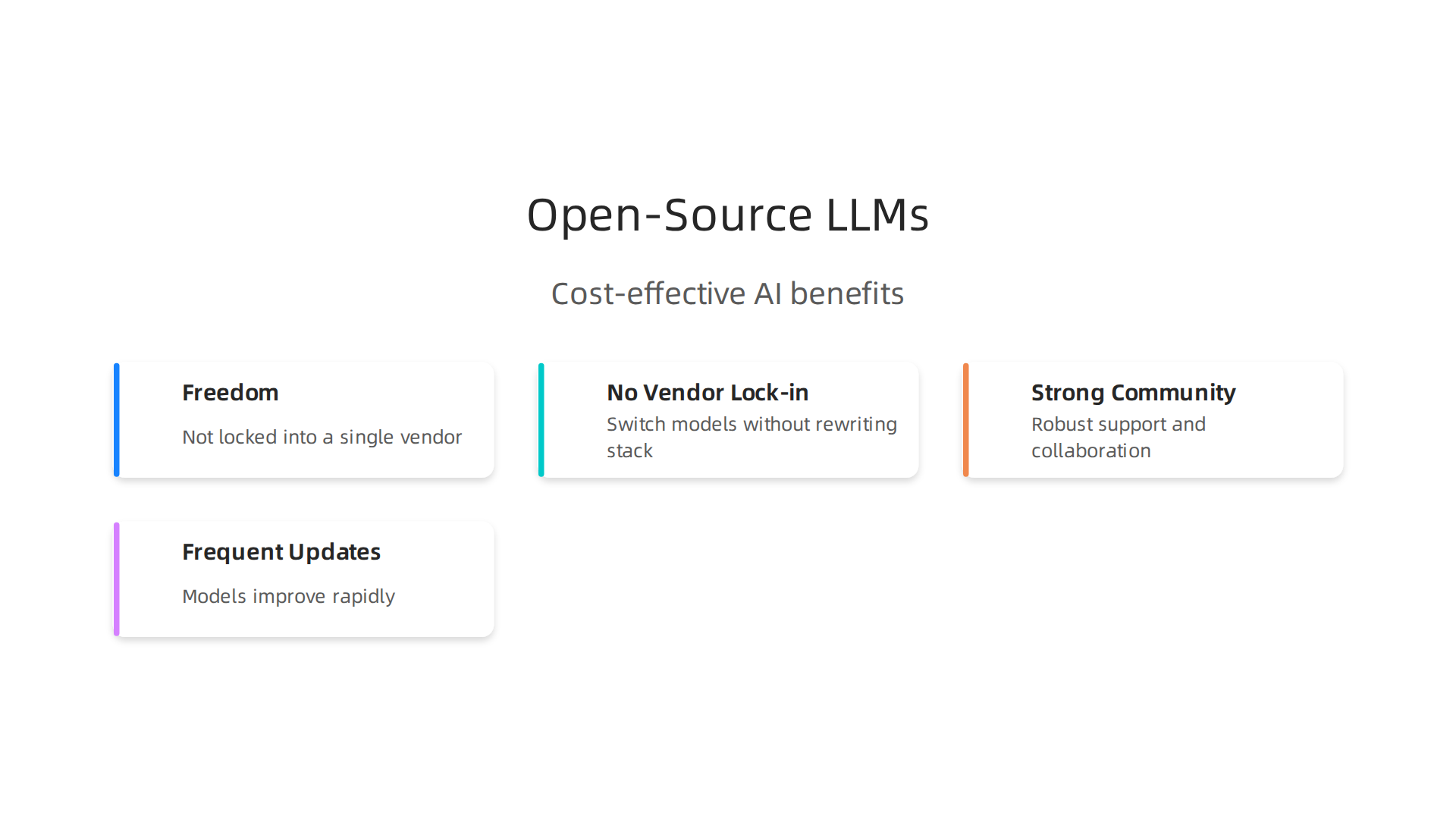
You are not locked into a single vendor. If a better model comes out, you can switch without rewriting your entire stack. Community support is strong, and updates come frequently.
For businesses that want more control over their AI operations without the high cost, open-source LLMs are a smart starting point. And the best part? You can run many of them on hardware you probably already own or can pick up for a bargain.
2. On-Device AI: Run Models Where You Already Have Hardware
But what if you could skip the separate machine entirely? That is the promise of on-device AI. Instead of sending data to the cloud, you run models directly on your phone, laptop, or tablet. No per-token fees. No internet required. Just instant, private AI.
This is not a futuristic dream. Apple Core ML, Google MediaPipe, and the Qualcomm AI Engine now support sophisticated models that were once only possible in data centers. Your everyday devices can handle tasks like text generation, image analysis, and speech recognition without breaking a sweat.
The benefits are huge. First, you save money. There are no API costs because the model runs on your own hardware.
That fits perfectly into the idea of getting tech for less. Second, latency drops to near zero. No waiting for a round trip to a server. Third, your data never leaves your device. That is a big deal for privacy-sensitive tasks like medical records or legal documents.
According to The Best Open-Source LLMs in 2026 guide, inference optimization on local hardware has become much more accessible. Even lightweight models can perform well on consumer devices.
So what hardware works? You do not need a top-of-the-line setup. A cheap desktop computer with a decent GPU can run smaller models. A used ThinkPad with a modern processor can handle basic inference with MediaPipe. And an apple certified refurbished MacBook with an M-series chip is a great choice for Apple Core ML. If you want to dig deeper into Mac options, check out the latest best MacBooks for AI.
The bottom line: you might already have all the hardware you need. On-device AI lets you get advanced AI without the cloud cost. To stay up to date on the latest tools and trends, get clear daily AI updates from The Deep View Newsletter.
3. Budget GPU Clouds: Pay Only for What You Compute
On-device AI is great, but sometimes you need more horsepower. Maybe you are training a model, processing large datasets, or running batch inference that your laptop just cannot handle. That is where budget GPU clouds come in.

Providers like Lambda Labs, RunPod, and Vast.ai let you rent powerful graphics cards by the hour. You do not pay monthly subscriptions. You pay only for the compute you actually use. Costs start as low as $0.50 per hour for older GPUs like the NVIDIA T4. Even top-tier H100s can be rented for around $2 to $3 per hour on specialized clouds.
The real savings come from spot instances. These are spare GPU capacity that providers sell at a huge discount. According to the GPU Price 2026 Report, using spot instances can cut costs by 60 to 80 percent. If your workload can handle interruptions, this is one of the best ways to get tech for less.
Managed Kubernetes and serverless GPU options also help. They automatically spin down resources when you are not using them, so you never pay for idle time. This is perfect for teams that need occasional bursts of AI power.
Picking the right provider can feel overwhelming. To help you compare the top options, check out our guide on enterprise AI platforms in 2026. It breaks down pricing, features, and use cases so you can choose with confidence.
Budget GPU clouds let you access serious AI power without serious spending. And with spot pricing, you get even more bang for your buck.
4. Serverless AI Functions: Eliminate Idle Infrastructure Costs
Budget GPU clouds help when you need predictable compute. But what if your AI workload is unpredictable? Maybe you run a few inference calls per hour during slow times, then get a sudden spike. With regular cloud servers, you would pay for a machine sitting idle most of the day. That is wasted money.
Serverless functions solve this problem. Platforms like AWS Lambda and Cloudflare Workers let you run code without managing any servers. You do not pay for idle time. You pay only for the milliseconds your code actually runs. For sporadic AI workloads like chatbot responses, image generation requests, or text summarization jobs, this model is extremely efficient.
Here is how it works. You upload your model or connect to a model delivery endpoint like Hugging Face Inference Endpoints. When a user sends a request, the serverless platform spins up compute instantly, runs your code, and shuts down within seconds. You get billed for exactly that execution.
Auto-scaling happens automatically. If one request comes in, one instance runs. If one thousand requests hit at once, the platform scales up to handle them all, then scales back down to zero when traffic stops. You never over-provision. You never pay for unused capacity.
This approach works especially well for teams that want tech for less without the headache of infrastructure management. Instead of guessing how much GPU power you need, you let the cloud handle it dynamically.
For a deeper look at choosing the right serverless tools and platforms for your business, check out our guide on how to choose AI for business tools that deliver real results.
Serverless AI functions cut waste. They charge you only for the compute you actually use. And that makes them one of the smartest ways to keep your AI costs low while staying ready for sudden demand.
5. Affordable Vector Databases for Semantic Search at Scale
If your AI app needs to find similar items fast like searching for relevant documents, products, or images you need a vector database. But these databases can get expensive fast if you choose the wrong one. Luckily you can get powerful semantic search without breaking the bank.
Open-source options give you a huge head start. Chroma and Qdrant are both free to use with no license fees.
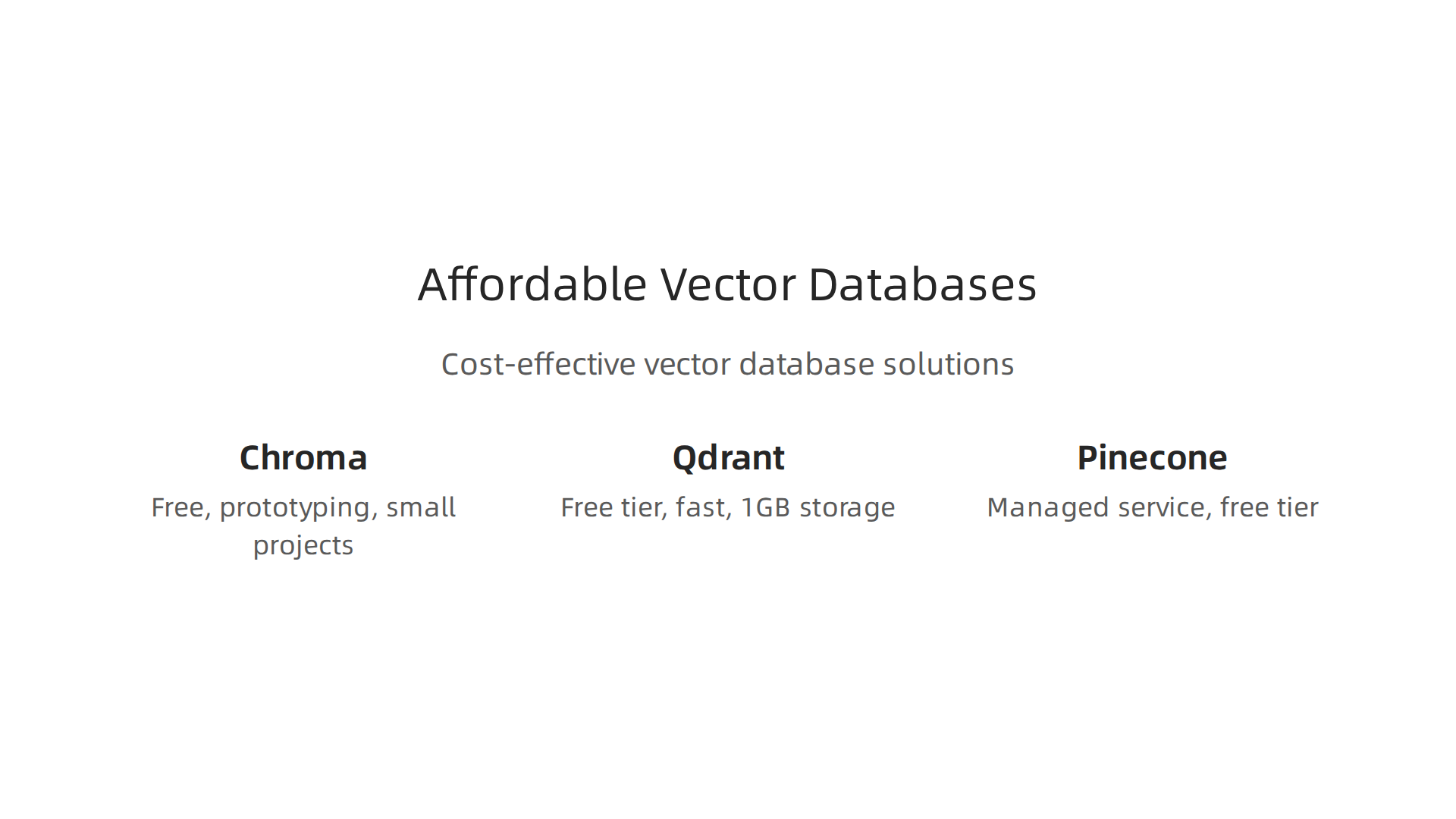
Chroma is great for prototyping and small projects. You can set it up on your laptop in minutes and connect it to tools like LangChain and LlamaIndex. Qdrant is written in Rust so it is fast and memory efficient. It also has a forever free tier that gives you 1GB of storage. That is enough for many smaller apps. According to the best vector databases comparison for 2026, Qdrant is the best choice for budget-conscious teams with under 50 million vectors.
If you want a fully managed service that handles scaling for you Pinecone is a popular pick. It has a free tier to get started. You only pay for what you use after that. That makes it a solid option when you want tech for less and do not want to manage servers yourself.
Integration with frameworks like LangChain and LlamaIndex makes switching between databases easy. You can start with Chroma for testing, move to Qdrant for self-hosted performance, or switch to Pinecone for production scale without rewriting your whole codebase.
Want to get the most out of your AI budget? For a broader look at choosing the right tools, check our guide on how to choose enterprise AI platforms that fit your business.
Keeping up with the best affordable AI tools is a job in itself. Get clear daily AI updates from The AI Newsletter Worth Reading so you always know what is worth your time and money.
6. Low-Code AI Platforms: Build AI Workflows Without a Full Dev Team
Now that you have your affordable vector database ready, you need a way to actually build the AI app. You do not need to hire a team of engineers to do it. Low-code platforms let you create smart workflows with simple drag-and-drop tools instead of writing thousands of lines of code.
Bubble is a popular choice for building full web apps with AI features. You can connect it to OpenAI or other models and build customer-facing tools without touching the backend. Zapier AI takes a different approach. It connects hundreds of apps together so you can automate tasks like sending emails, updating spreadsheets, or triggering AI responses. Make (formerly Integromat) works the same way but gives you more visual control over complex logic.
The big money saver here is obvious. You skip the salary cost of a developer or a whole dev team.

That is real tech for less in action. Instead of paying for months of coding, you build in days or hours. And since these platforms run in the cloud, you do not need expensive hardware either. Even a used Thinkpad or a basic laptop is enough to design your workflows.
Most of these tools offer free tiers to get started. Bubble lets you build for free while you learn. Zapier has a forever free plan with limited tasks. Make offers free credits each month. You only pay more when your automation actually starts delivering results. That makes it a low-risk way to test ideas before investing real money.
For more practical ways to bring AI into your daily work without a big budget, check out our guide on AI virtual assistants for businesses to see how automation tools can handle customer support, scheduling, and data entry for you.
7. Free Tiers and Credits: The Hidden Gems for Lean Operations
You have your vector database running and your low-code workflows set up. But what about the cost of the AI models themselves? Here is the secret that many startups miss. The biggest AI providers give away thousands of dollars in free credits to new users. You just have to know where to look.
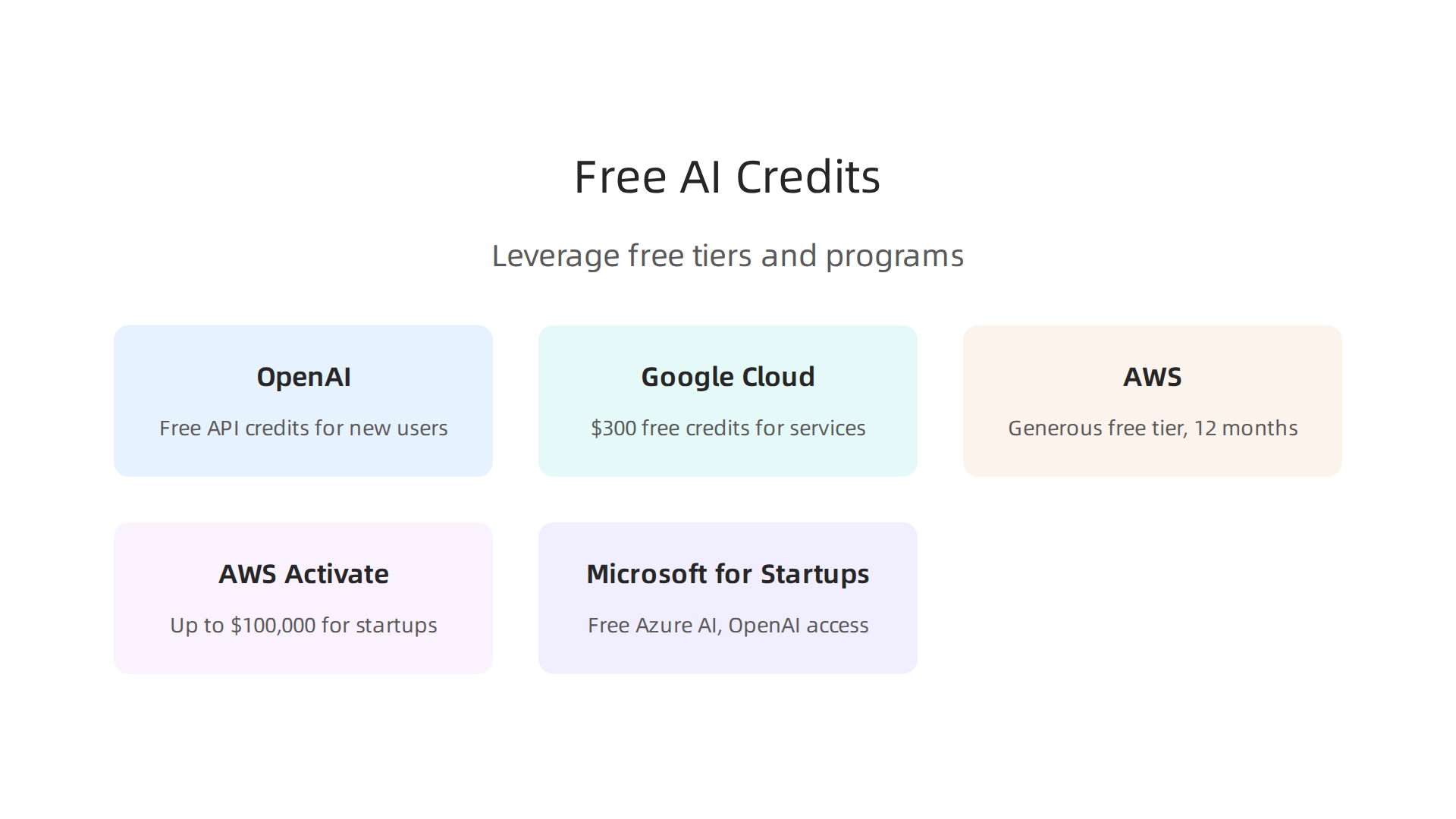
OpenAI offers free credits when you start using their API. Google Cloud gives new accounts $300 in free credits that work across AI services, storage, and compute. AWS has a generous free tier that includes access to machine learning services for the first 12 months. These are not gimmicks. They are real tools you can use to build and test your ideas without spending a dime.
Startup programs take this even further. AWS Activate provides qualifying startups with up to $100,000 in credits. Google for Startups offers similar deals. Microsoft for Startups gives free access to Azure AI services and OpenAI models. These programs exist because the big cloud providers want you to build on their platforms. Take advantage of that.
The smartest tech for less strategy combines free tiers across multiple vendors. Use OpenAI credits for language tasks. Use Google Cloud credits for image processing. Use AWS credits for storage and hosting. By rotating between providers, you can sustain early-stage AI operations for months before paying a single dollar.
Worried about missing a great deal when a provider updates their free credit offers? Stay ahead with regular updates from trusted sources. Get clear daily AI updates from The Deep View Newsletter so you never miss a new free tier or startup grant that could save your business real money.
This approach is why 89% of small businesses are now using AI in some form, according to small business AI adoption research. The barrier to entry is nearly zero if you know how to stack these free resources. Do not pay for AI until your business is actually making money from it.
8. Open-Source Monitoring: Keep Your AI Healthy on a Budget
You got your AI running for free or cheap using stack credits. Great. But now you need to know if it is working right. AI models drift over time. They start giving bad answers. Your data pipelines break. If you do not catch these problems early, they can cost you real money in lost customers or bad decisions.
Here is the good news. You do not need expensive monitoring tools to keep your AI healthy. Open-source options like LangSmith (open-source tier), MLflow, and WhyLabs give you free monitoring for your AI pipelines.
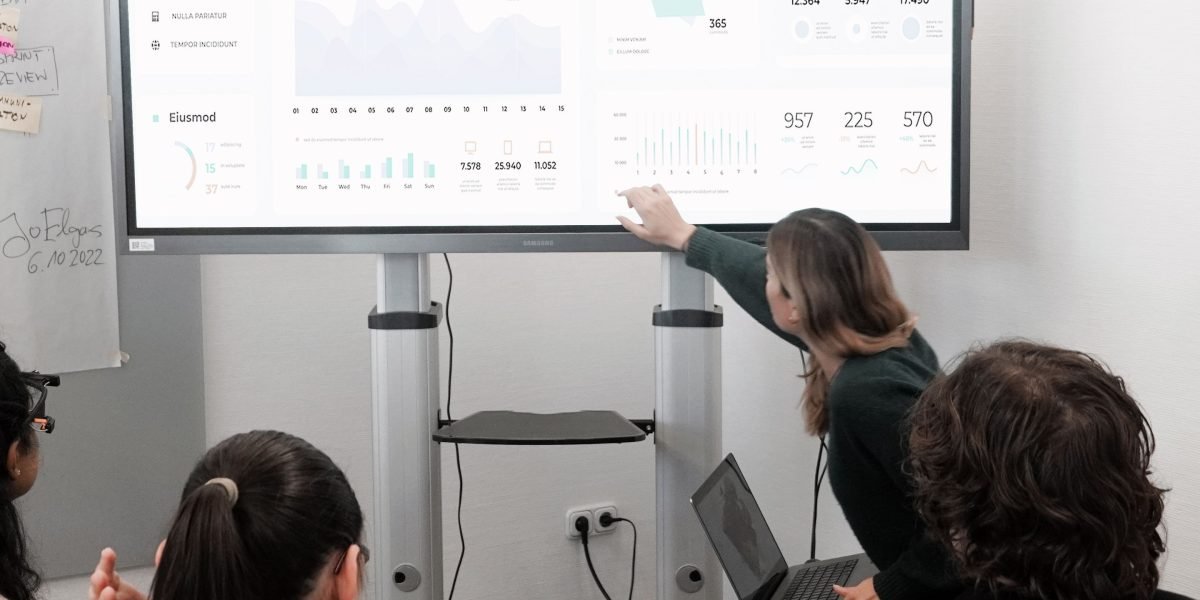
These tools track model performance, log inputs and outputs, and alert you when something looks wrong.
The key to this tech for less approach is self-hosting. Instead of paying per seat for a proprietary observability platform, you run the dashboard on your own server. No monthly fees. No limits on how many team members can view the logs. Just one small server cost and you have full visibility into your AI operations.
Why does monitoring matter so much? Because a single drift incident that goes unnoticed for a week can destroy weeks of work. Imagine your customer support chatbot starts giving bad advice. You might not realize it until customers complain. By then, you have already lost trust. Proactive drift detection helps you catch these issues in minutes, not days.
According to recent small business AI adoption data, nearly two-thirds of small businesses report that AI saves them between $500 and $2,000 per month. That money is wasted if you do not monitor performance. Spending a few hours setting up open-source monitoring protects that investment.
Want to see how other businesses handle AI operations on a budget? Check out this practical guide on how to choose AI for business tools that deliver real results. It covers evaluation criteria that help you pick monitoring solutions that fit your workflow.
Do not let your AI run blind. Set up simple logging and alerts today. It is one of the smartest moves you can make for long-term reliability without breaking the bank. And if you want to stay ahead of new open-source monitoring tools and best practices, get clear daily AI updates from The Deep View Newsletter so you always know what is worth your time.
Summary
This article explains how to get high-performing AI without overspending by adopting a