
Picture this. You are at a restaurant, the menu is in tiny print, and you cannot read it. Or maybe you are shopping, and the labels on the cans are blurry. For millions of people with visual impairments, these moments happen every day. Technology should help, not make things harder.
AI is moving fast. We have smart glasses, translation glasses, and even hearing aid glasses that try to bridge the gap. But not everyone benefits equally. Many tools leave out the people who need them most. That is a problem worth fixing.
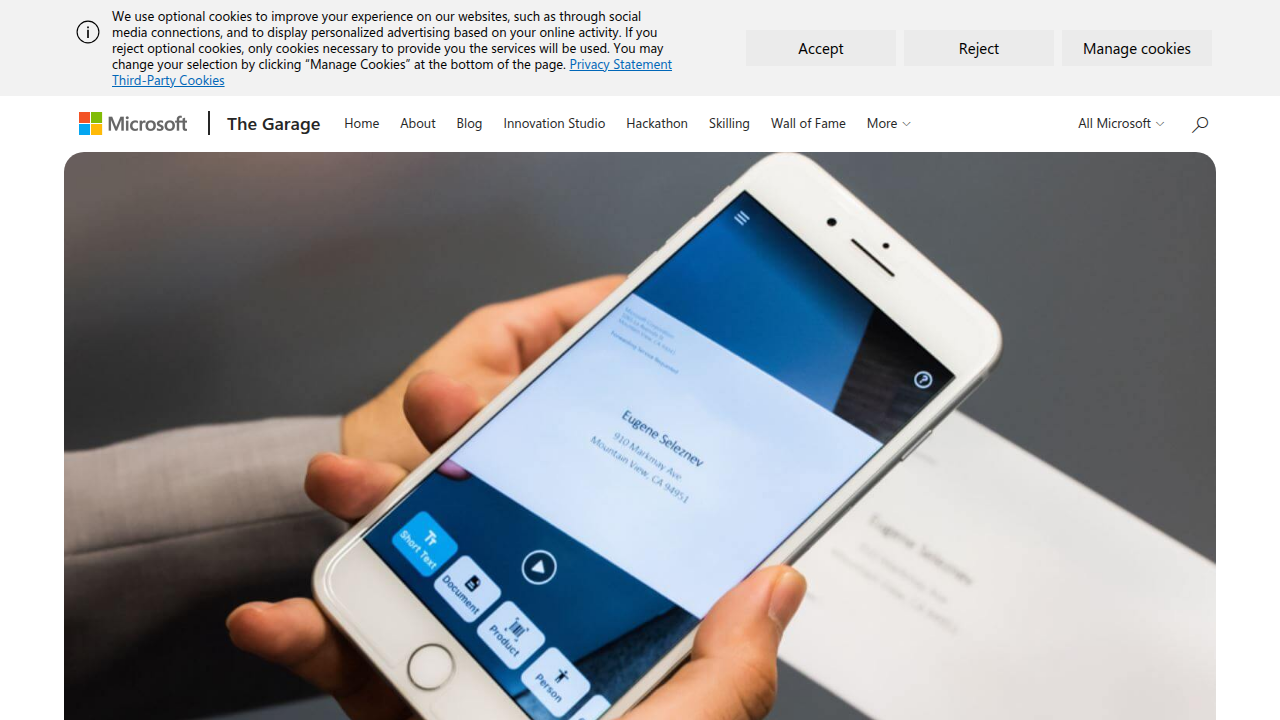
That is where Seeing AI comes in. Microsoft built this free app to narrate the world for people who are blind or have low vision. It reads printed and handwritten text. It identifies objects and products. It describes scenes and recognizes faces. In 2026, it is more powerful than ever, as you can see on the official Seeing AI on Microsoft Garage page.
But Seeing AI is just one piece of a bigger picture. Businesses and creators also need to understand how accessibility tools work and which ones deliver real results. That is what this article is about.
I wrote this guide to give you a practical, expert-backed overview of Seeing AI technology, tools, and its business impact. Whether you want to use the app yourself or you are building products that need to be more inclusive, you will find clear answers here. Plus, if you want to stay ahead of the curve, The AI Newsletter Worth Reading delivers daily updates straight to your inbox.
Let us dive into how Seeing AI works and why it matters so much right now.
What Is Seeing AI? The Technology Behind Visual Accessibility
So what makes Seeing AI tick? At its core, this free app turns your smartphone camera into a helpful pair of eyes. Point it at anything, and the app tells you what it sees. But the real magic happens underneath.
Seeing AI runs on computer vision technology. That means the app uses machine learning to recognize patterns in images. When you point your camera at a menu, the app does not just take a picture. It scans the image, finds the text, and reads it aloud. When you point it at a friend’s face, it recognizes who they are and even describes their expression. All of this happens in real time.
The app uses several key technologies working together:
Object detection is the backbone. The app identifies objects in your camera view, like a chair, a cup, or a bottle. It uses advanced models like YOLOv8 that can spot over 80 different types of objects instantly. That is why Seeing AI can tell you "there is a phone on the table" rather than just saying "something is there."
Optical Character Recognition (OCR) reads text. Whether it is a printed sign, a handwritten note, or a product label, the app converts the visual information into spoken words. This is powered by large language models that understand context and formatting.
Scene description goes a step further. Instead of listing individual objects, the app describes the whole scene. "You are in a bright room with a sofa on the left and a window behind it." This gives users a richer understanding of their surroundings.
Facial recognition helps with social situations. The app can learn the faces of people you know and tell you who is nearby. It can also read their expressions, so you know if someone is smiling or looks worried.
According to the official Seeing AI website, the app is designed with and for the blind and low vision community.
It is an ongoing research project that keeps getting better as Microsoft hears feedback from real users.
The technology behind Seeing AI is similar to what powers autonomous vehicles and security systems. But the difference is purpose. Consumer apps like Seeing AI focus on helping people in their daily lives. Enterprise-grade solutions, on the other hand, handle larger scale tasks like monitoring factory floors or analyzing security footage. If you want to understand how businesses choose the right visual AI tools, check out our guide on enterprise AI platforms in 2026.
Here is a quick comparison of how these technologies stack up between consumer and enterprise use:
| Technology | Consumer App (Seeing AI) | Enterprise Solution |
|---|---|---|
| Object Detection | Identifies everyday items (bottles, furniture) | Identifies inventory, defects, or security threats |
| OCR | Reads signs, menus, product labels | Processes legal documents, invoices, forms |
| Scene Description | Narrates surroundings for navigation | Analyzes video feeds for safety compliance |
| Facial Recognition | Recognizes friends and family | Verifies employee or customer identities |
The real breakthrough is how Seeing AI combines all these technologies into one simple app. As one study describes the AI-powered mobile assistant for the visually impaired, these tools integrate state-of-the-art models into a single, accessible smartphone application. That is the key. You do not need five different apps to get the job done. Seeing AI puts everything in your pocket.
In the next section, we will look at how these features work in real life and what makes Seeing AI stand out from other accessibility tools.
Now that you understand the technology inside Seeing AI, let’s talk about what it actually does for people every day. The app turns abstract AI capabilities into practical help. Whether you are at home, at work, or out in the world, Seeing AI acts like a helpful companion that describes your surroundings.
Real-World Use Cases That Make a Difference
Identifying Products at Home or in Stores
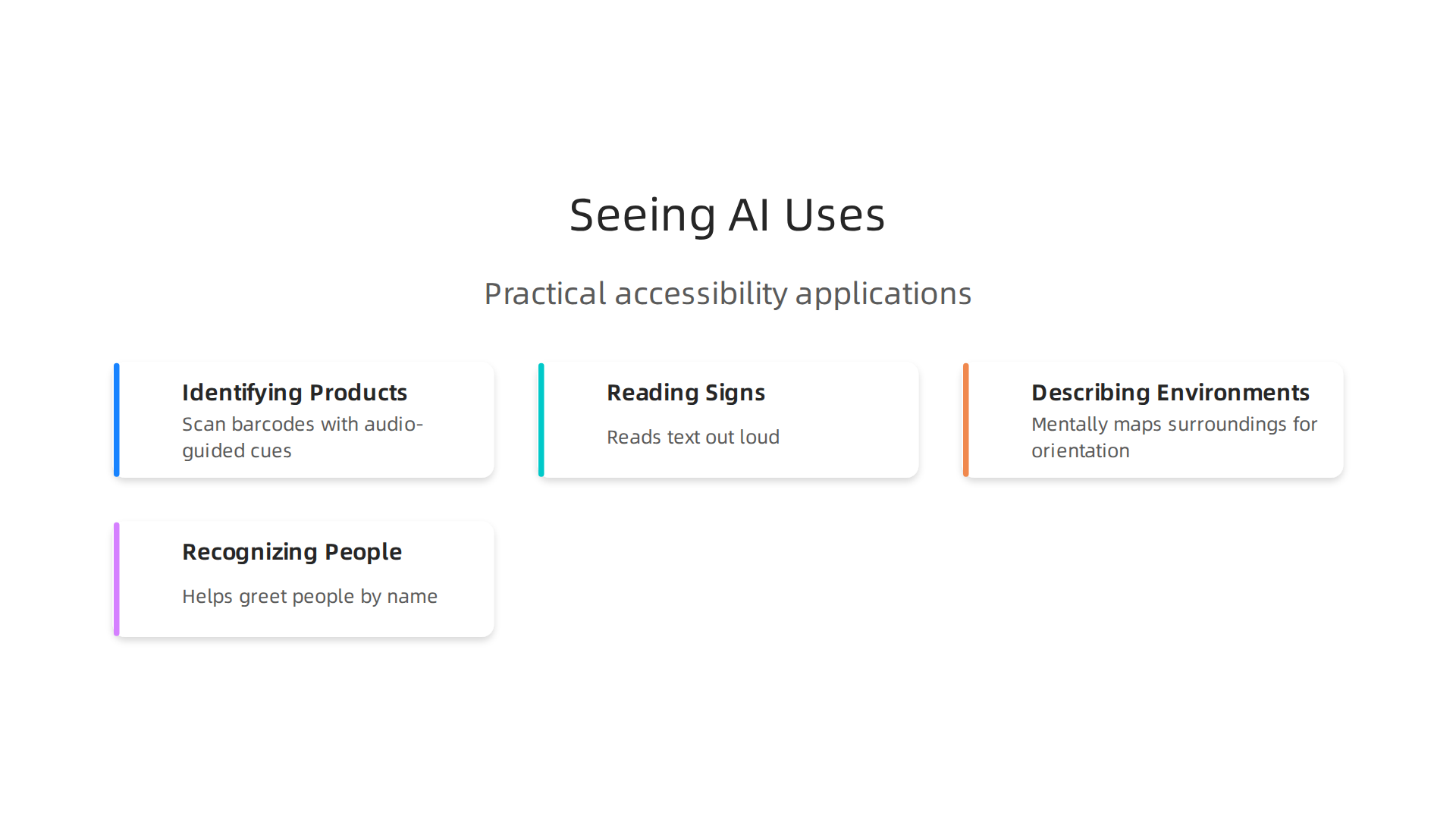
Ever tried to tell two identical cans apart without being able to see the labels? Seeing AI can scan barcodes with audio-guided cues. The app tells you the product name and sometimes even the expiration date. This makes grocery shopping, cooking, and organizing your pantry much easier. For people with low vision, this simple feature brings a lot of independence.
Reading Signs and Documents Aloud
Step outside and point your phone at a street sign, a bus stop schedule, or a restaurant menu. Seeing AI reads the text out loud using its OCR technology. At work, the app can scan printed documents, emails, or forms. The Document feature snaps multiple pages and combines them into a single file for reading. According to a discussion on Reddit, users praise Seeing AI for its "live optical character recognition" on packages, mail, and computer screens. This feature alone makes the app a must‑have for school, office work, and daily errands.
Describing Environments for Navigation
When you enter a new room or walk down an unfamiliar street, Seeing AI can describe the whole scene.
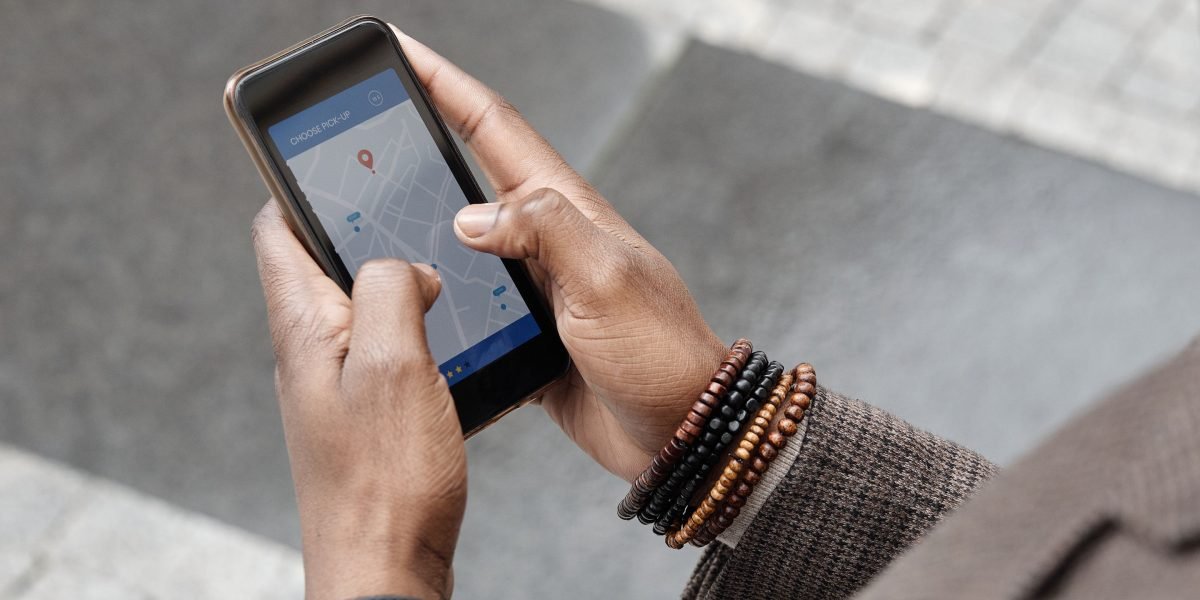
It might say, "You are in a spacious lobby with a reception desk to your right and plants near the window." This helps you mentally map the space without needing to touch or guess. Some users also rely on the app to check if room lights are on by detecting brightness. For travel, this is a game changer. You can explore airports, hotels, and museums with more confidence.
Recognizing People and Their Expressions
Social situations can be awkward when you cannot see who is nearby. Seeing AI can learn faces of your friends and family. When you open the app, it says, "John is in front of you and smiling." This helps you greet people by name and pick up on emotional cues. The app can also recognize currency when you pay with cash, describing the bill value so you never hand over the wrong amount.
Use in Education, Independent Living, and the Workplace
In school, students use Seeing AI to read textbooks, handouts, and whiteboard notes. The app turns any printed material into audio, allowing students to keep up with coursework. For independent living, people use it to check medication labels, sort laundry by color, and read mail. At work, Seeing AI helps with reading contracts, identifying office supplies, and even recognizing colleagues’ faces during meetings. The Microsoft Garage page describes it as "a free app that narrates the world around you," designed with and for the blind and low vision community. This focus on real feedback means the app keeps improving based on actual user needs.
Emerging Use Cases: Real-Time Video Description and Augmented Reality
Seeing AI is not standing still. New updates are bringing real-time video description. Instead of snapping a single photo, you can point your camera at a scene and the app streams a continuous narrative. Imagine walking down a busy street while the app describes traffic lights, crosswalks, and storefronts as they come into view. This is like having a sighted guide in your pocket. The app is also experimenting with augmented reality overlays. Future versions might highlight objects or text directly on your screen, making the information even faster to access. As AI research advances, Seeing AI will likely get smarter about context and provide richer descriptions.
To stay on top of tools like Seeing AI and other practical AI solutions, it helps to get clear, daily updates. The AI Newsletter Worth Reading delivers concise insights on the latest AI apps, research breakthroughs, and use cases directly to your inbox. Whether you are a professional looking to adopt new tools or simply curious about how AI can improve daily life, staying informed is the first step.
In the next section, we will compare Seeing AI with other popular visual assistance apps and help you decide which one fits your needs best.
Leading Seeing AI Tools and Apps in 2026: A Comparative Guide
Seeing AI is a fantastic starting point, but it is not the only player. A handful of other apps also use AI to assist people who are blind or have low vision. Each tool has its own strengths. Below is a look at the top options available in 2026 so you can pick the one that fits your needs.
The Main Contenders
Microsoft Seeing AI
This is the app you already learned about. It is free on both iOS and Android. It reads text, identifies products, describes scenes, recognizes faces, and detects currency. Microsoft updates it regularly based on community feedback. Seeing AI is a solid all-in-one tool with no subscription cost.
Google Lookout
Lookout is Google’s answer to Seeing AI. It is available only on Android. It reads text, identifies objects, and recognizes money. Lookout is also free. If you use an Android phone and want a free option, Lookout is a strong choice. It handles document scanning and food labels well.
Apple Magnifier
Built right into iPhones and iPads, Magnifier uses the device camera to zoom in and apply filters. In recent updates, Apple added text detection and people recognition. It is free and deeply integrated with iOS. It works great for quick looks at small print but is not as feature-rich as Seeing AI.
Envision AI
Envision AI is available on iOS, Android, and even as a smart glasses solution. It reads text, recognizes faces, and describes scenes. One standout feature is that it works offline. Envision AI has a free version with basic features, and a premium plan for $9.99 a month. For people who need to use the app without an internet connection, this is a big plus.
Be My Eyes / Be My AI
Be My Eyes connects you with sighted volunteers through a live video call.
They can help with tasks like reading a label or navigating a new space. The service is free for basic use. A premium version, Be My AI, adds AI-powered description for $19.99 per month. This app is great when you need a real human touch.
Aira
Aira is similar but uses professional trained agents instead of volunteers. You pay for a subscription that ranges from $29 to $129 per month. Agents can guide you through airports, read documents, or help you shop. Aira is the most expensive option, but you get a reliable human helper every time.
Lumyeye
Lumyeye is a newer app that offers continuous voice control on iPhone. It can read scenes in real time and even control other apps like Spotify and Maps. Lumyeye has a Pro version that costs $14.90 to $16.99 per month. It is designed for users who want a private AI assistant without creating an account.
How Do They Compare?
A detailed comparison from Lumyeye breaks down the features and pricing of the top seven apps.
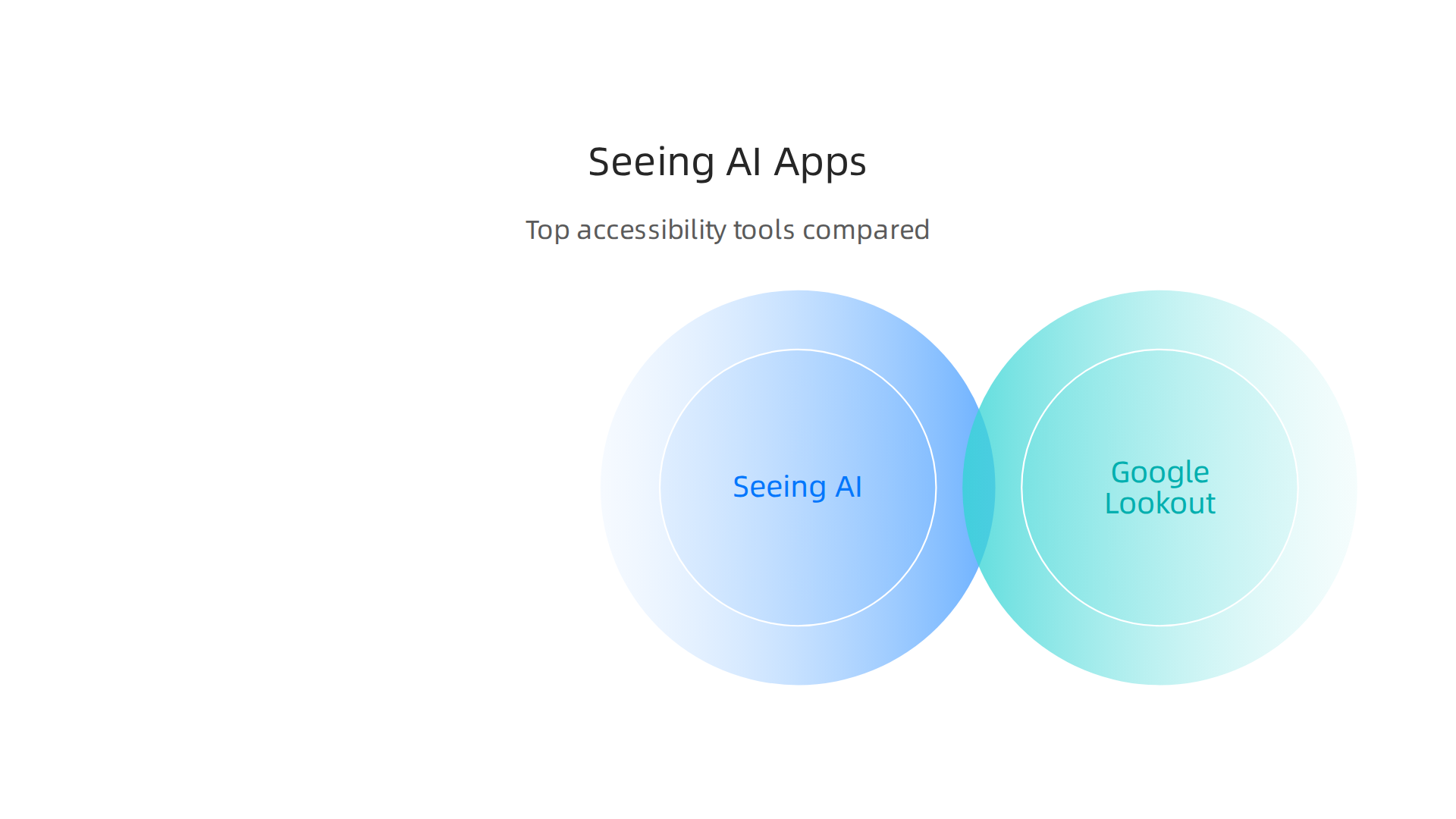
According to that analysis, Seeing AI remains the best free choice across both platforms. If you want human help, Be My Eyes is hard to beat. For offline use, Envision AI leads. And if you use Android exclusively, Google Lookout is your free option.
| App | Platform | Free? | Monthly Cost | Key Strength |
|---|---|---|---|---|
| Seeing AI | iOS + Android | Yes | $0 | All-in-one free tool |
| Google Lookout | Android only | Yes | $0 | Best for Android users |
| Apple Magnifier | iOS only | Yes | $0 | Built into iPhone |
| Envision AI | iOS + Android + Glasses | Free basic | $9.99/mo | Works offline |
| Be My Eyes / Be My AI | iOS + Android | Free basic | $19.99/mo | Human volunteers |
| Aira | iOS + Android | No | $29-$129/mo | Trained agents |
| Lumyeye | iOS + Android (Pro iOS) | Free basic | $14.90-$16.99/mo | iPhone voice control |
Which One Should You Choose?
Your choice depends on your daily needs.
- If you want a completely free app that works on both iPhone and Android, stick with Seeing AI. It covers reading, object identification, and scene description without costing a penny.
- If you use Android and prefer Google’s ecosystem, try Google Lookout. It is also free and handles the most common tasks.
- If you need help offline, Envision AI is your best bet. Pull it out in areas with no cell service.
- If you want a human to help with tricky tasks, Be My Eyes (free) or Aira (paid) are great options.
- If you want an app that can take over your iPhone with voice control, Lumyeye Pro is worth a look.
No single app does everything perfectly. Many people use Seeing AI for most tasks and keep Be My Eyes for backup. The key is to try a few and see what feels most natural.
For more insights on choosing the right AI tools for your specific situation, explore our guide on how to choose AI for business tools that deliver real results. It covers the same decision-making principles you can apply here.
In the next section, we will look at how these tools fit into education and workplace settings, and share tips for getting the most out of them.
How Seeing AI Impacts Business and Productivity
Seeing AI is not just a personal helper. It is also a powerful tool for the workplace. Companies of all sizes are using it to build more inclusive environments, boost efficiency, and even save money. Let us explore how.
Building an Inclusive Workplace
First, Seeing AI helps businesses design workplaces that work for everyone. When you make your office or digital tools accessible, everyone benefits.

According to the World Wide Web Consortium, embracing digital accessibility brings multiple benefits including reducing legal risks, strengthening your brand, and improving customer experience and colleague productivity. For example, a visually impaired employee can use Seeing AI to read documents, identify meeting room signs, or scan product packaging without asking for help. This creates independence and fosters a more inclusive culture.
Productivity Gains Across Teams
The real magic happens when Seeing AI gets woven into daily workflows. Imagine a warehouse worker using Seeing AI to quickly identify inventory items by scanning barcodes or reading labels. No more squinting at tiny text or waiting for someone else to check. Or think about a customer service rep who uses the app to read a customer’s written note or a product manual on the spot. These small time savings add up fast.
Many companies are already seeing results. An accessibility ROI report from Level Access shares a real example: a large retailer fixed accessibility issues on their website. The result? A 20% increase in time on site, a drop in bounce rates from 35% to 20%, and stronger organic search visibility. Those are clear business wins. The same principle applies to internal tools. When employees can access information without barriers, productivity climbs.
Real ROI from Simple Changes
You do not need a massive AI overhaul to see returns. Even one tool like Seeing AI can make a difference. A customer interaction becomes smoother when a sales representative can quickly read terms on a contract or identify a product’s feature list aloud. Inventory checks go faster. Onboarding new team members with visual impairments becomes easier and more welcoming.
The key is to start small. Pick one or two tasks where Seeing AI can help right away. Measure the time saved or the errors reduced. Then scale from there.
Of course, staying on top of these AI tools and their business impact can feel overwhelming. That is why many professionals rely on a trusted daily update. The AI Newsletter Worth Reading delivers clear, practical AI news every day so you never miss a breakthrough that could help your business.
If you want to keep learning how to choose the right AI tools for your team, check out our guide on how to get real ROI from AI marketing cloud in 2026. It breaks down the same smart decision-making for a different part of your business.
Challenges and Limitations: Privacy, Accuracy, and Adoption Hurdles
Seeing AI is a powerful tool, but it is not without problems. To use it well, you need to know where it falls short.
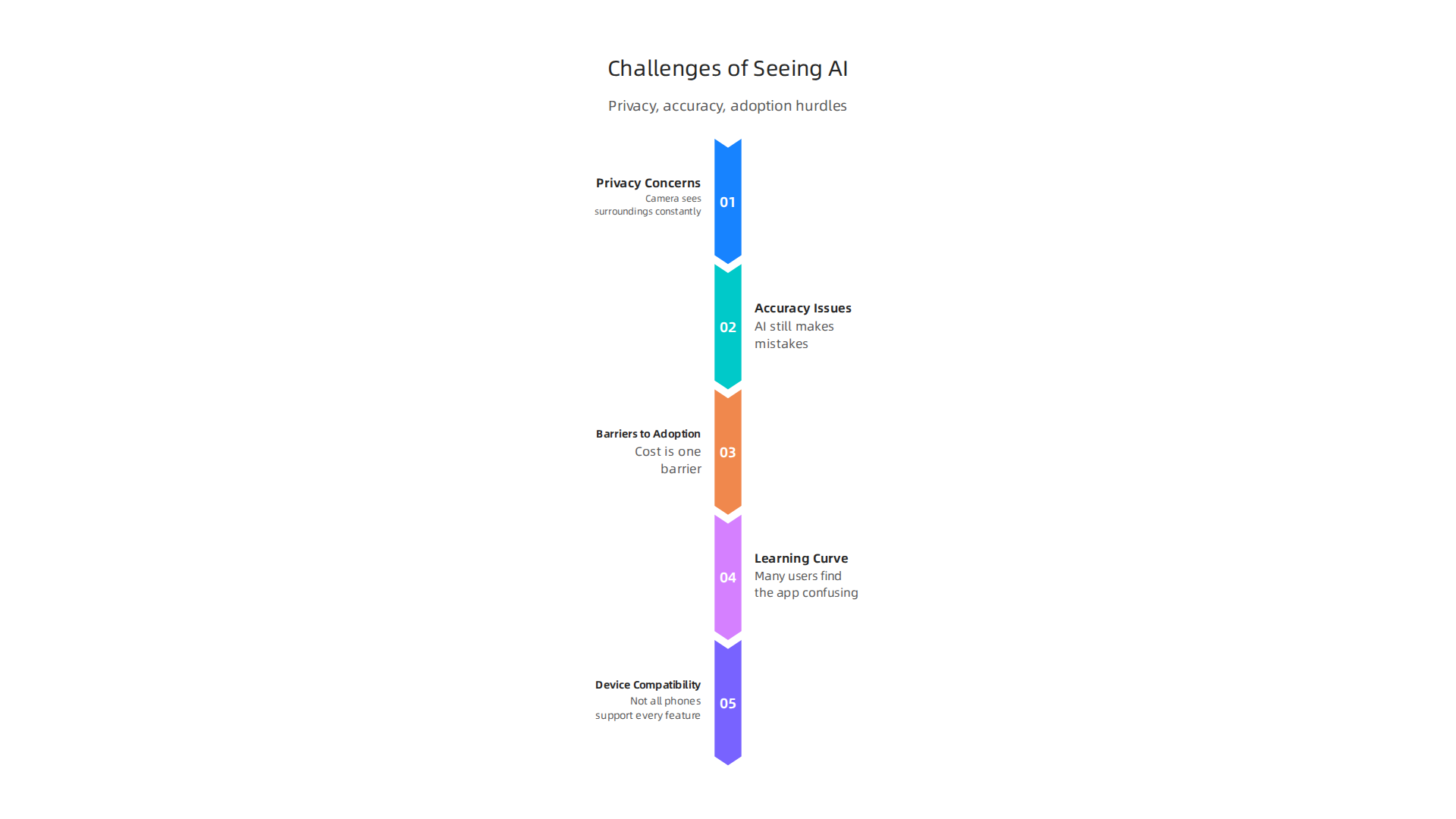
Let us look at the main challenges.
Privacy Concerns
The biggest worry for many users is privacy. Seeing AI uses your phone’s camera constantly. That means it sees your surroundings all the time. Some people feel uncomfortable with that. Where does the video data go? Is it stored on a server? Can someone else access it? Microsoft states that Seeing AI processes images on the device for many tasks, but some features require cloud processing. That raises questions about data security. Also, if you use Seeing AI in public, you might point your camera at strangers. They may not know you are using the app. This creates consent issues. Businesses that deploy the app need clear policies about camera use and data storage.
Accuracy Issues
Accuracy is another big hurdle. While AI has improved a lot, it still makes mistakes. According to the International AI Safety Report 2026, current AI systems sometimes fabricate information, produce flawed code, and give misleading advice. For Seeing AI, this means it might misidentify an object, misread text, or describe a scene incorrectly. The report notes that reliability challenges persist and capabilities remain jagged, meaning AI can ace complex tasks but fail simple ones.
In particular, the accuracy of AI scene description drops significantly in poor lighting, crowded spaces, and visually complex environments, as noted in a review of AI accessibility tools for blind users. If you are in a dimly lit room or on a busy street, Seeing AI might give you wrong information. That can be frustrating and even dangerous if you rely on it for navigation. There is also the risk of bias in training data. If the AI was trained mostly on certain skin tones, object types, or languages, it may perform worse for others. This can leave some users with an unfair experience.
Barriers to Adoption
Even if the technology works well, getting people to use it is another story. Cost is one barrier. Seeing AI itself is free, but you need a modern smartphone. Some people cannot afford a high-end device. Also, the app works best with a stable internet connection for some features. That is not always available.
The learning curve is real too. Many users, especially older adults, find the app confusing at first. They need to learn how to point the camera, interpret spoken descriptions, and trust the AI. Businesses that want to adopt Seeing AI must invest in training and support.
Finally, device compatibility matters. Not all phones support every Seeing AI feature. Some older models lack the camera quality or processing power needed for smooth operation. This can limit who can benefit from the tool.
Moving Past These Hurdles
These challenges are serious, but they are not impossible to solve. Developers are working on better accuracy, stronger privacy controls, and simpler interfaces. For now, the key is to be aware of the limits. Use Seeing AI for tasks where it is reliable, and always double-check important information.
If you want to pick the right AI tools for your needs despite these hurdles, learn how to choose AI for business tools that deliver real results. That guide will help you evaluate options carefully.
The Future of Seeing AI: Emerging Trends and Innovations
Despite the hurdles, the future of Seeing AI is bright. New trends are making these tools smarter, faster, and easier to use. Here is what is coming next.
Multimodal AI: Combining Vision, Sound, and Language
The biggest change is multimodal AI. Instead of just looking at images, these systems now combine vision, language, and audio. They can see a room, hear a voice, and describe what is happening all at once. That means Seeing AI type tools will understand your surroundings much better than before. They will not just say "a person is sitting on a chair." They will say "your friend Sarah is sitting on the blue chair by the window and she is calling your name." This level of detail changes everything for daily tasks like cooking, reading, or navigating a store.
Smart Glasses and Wearables
Another big trend is AR smart glasses. Companies are building Amazon glasses and translation glasses that show information right in your field of view.

Imagine wearing a pair of glasses that reads a sign aloud, translates foreign text instantly, or tells you who just walked into the room. Some models even include virtual glasses try on so you can see how they look before buying. Hearing aid glasses are also being developed that combine sound amplification with visual assistance. These wearables make assistive tools feel natural and hands free.
Market Growth and Wider Adoption
The market for these technologies is growing fast. According to a report from Research Nester, the assistive technologies for visually impaired market was valued at about $8.4 billion in 2026 and is projected to reach $25.2 billion by 2035. That shows strong demand from businesses, schools, and hospitals. The 2026 AI Index Report from Stanford HAI notes that generative AI adoption among consumers reached 53% in just three years, faster than the PC or internet. This rapid uptake means more people will use tools like Seeing AI every day.
New Use Cases and Better Accessibility
What does this mean for you? Soon you will be able to use your phone or smart glasses to navigate stores alone, identify products with your camera, read menus without help, and even recognize familiar faces. AI will become your personal guide for everyday life. Developers are also making these tools work better in poor lighting and noisy places. Accuracy keeps improving month by month.
How to Stay Updated
As these trends unfold, it helps to stay informed. New tools and updates come out all the time. If you want to keep up, check out the top interactive AI newsletters to follow in 2026 for regular updates. Many professionals also rely on daily briefings to track changes.
The AI Newsletter Worth Reading provides clear, daily AI updates so you never miss important developments. Staying in the loop helps you get the most out of these emerging technologies.
Summary
Seeing AI is Microsoft’s free smartphone app that narrates the world for people who are blind or have low vision by combining object detection, OCR, scene description, and facial recognition into a single tool. This article explains the underlying technologies, shows concrete real‑world uses—like reading menus, identifying products, navigating spaces, and recognizing faces—and compares Seeing AI with other assistive apps such as Google Lookout, Envision AI, Be My Eyes, Aira, and Lumyeye. It also covers how businesses can adopt the app to boost inclusion and productivity, how to measure ROI from simple accessibility changes, and the practical limits around privacy, accuracy, and device compatibility. Finally, the guide looks ahead to trends like multimodal AI and smart glasses and gives advice on when to rely on the app and when to double‑check its output. After reading, you’ll understand what Seeing AI can (and can’t) do, which alternatives matter, and how to start using or deploying these tools responsibly in everyday life and the workplace.